

Minisforum recently launched the MS-01. This is likely the best small form factor, current generation hardware, for a home-lab, Proxmox cluster. At the time of this writing, they are priced from $420 USD for the barebone i5 up to $830 USD for the i9 with RAM and storage.
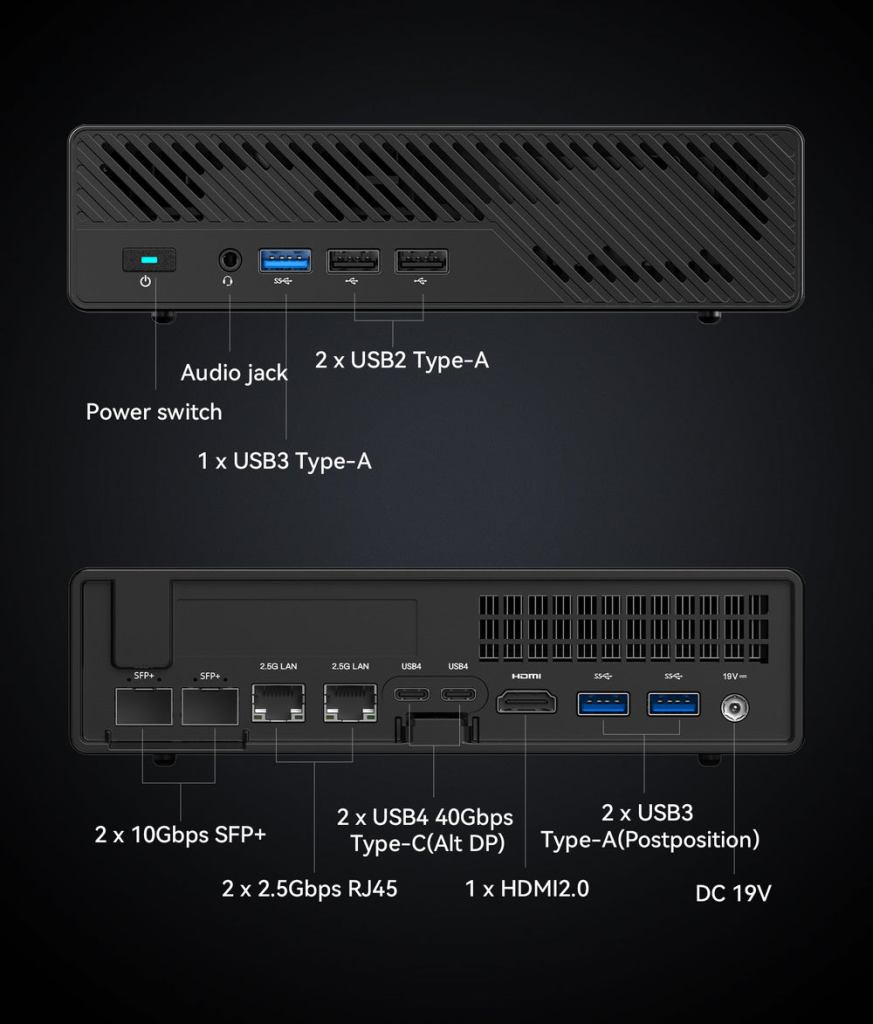
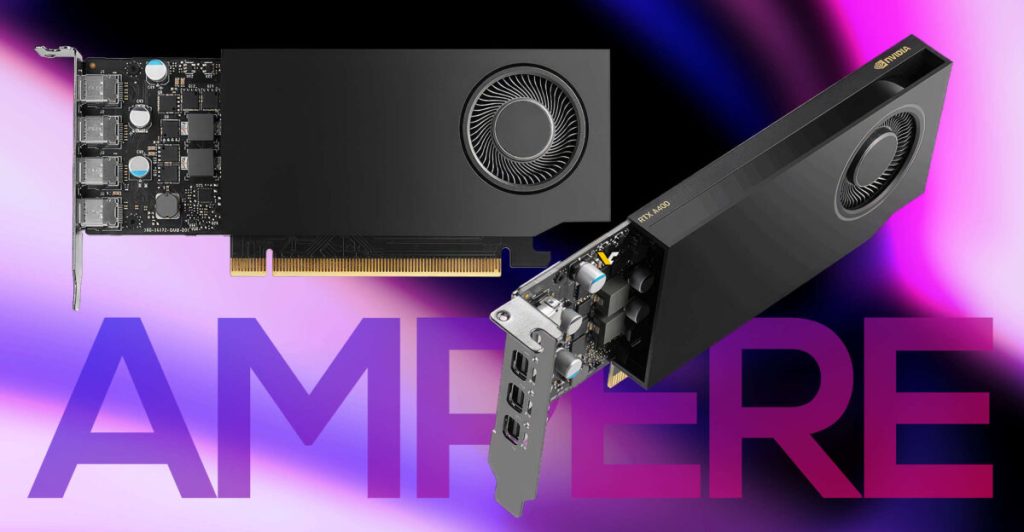
The MS-01 sports the 12th and 13th gen Intel CPU, combined with dual X710 10Gbps SFP+, dual 2.5Gbps RJ45, dual USB4, triple NVMe, Intel vPRO (i9 only), and a PCIe x16 (x8 electrically) slot for SFF dGPU. You couldn’t squeeze more into such a small space if you tried.
Depending on your preference, you could run a three node cluster with CEPF over USB4 or 10G networks, still leaving dual 2.5Gbps NICs for VLANs or some additional level of fault tolerance.
| Processor | i5-12450H | i9-12900H | i9-13900H |
| Cores | 4e 3.3GHz / 4p 4.4GHz = 12T | 8e 3.8GHz / 6p 5.0GHz = 20T | 8e 4.1GHz / 6p 5.4GHz = 20T |
| TDP | 35W – 95W | 35W – 115W | 35W – 115W |
| PassMark | 17428 (Single core 3425) | 28404 (Single core 3820) | 29478 (Single core 3887) |
| PCIe | Gen 4 | Gen 4 | Gen 5 |
| iGPU | Intel UHD | Intel Iris Xe | Intel Iris Xe |
| vPRO | No | Yes | Yes |
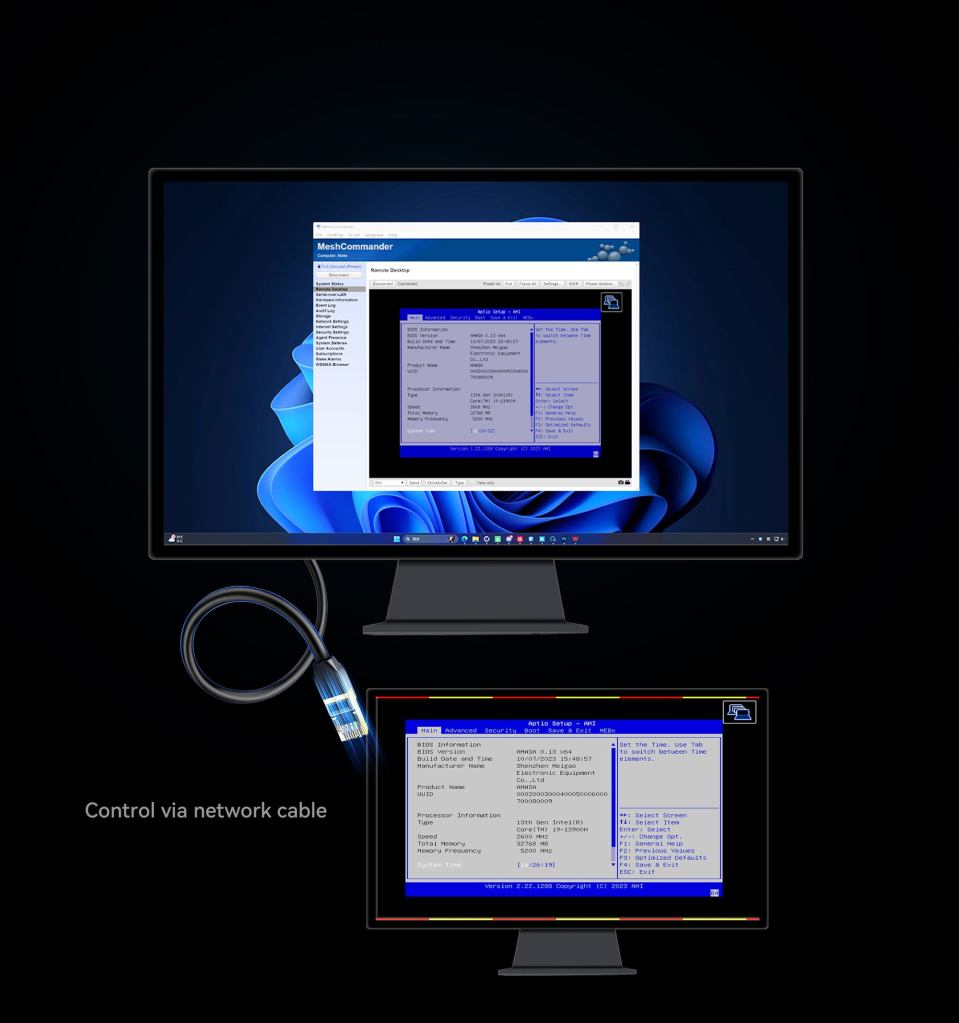
If you are new to vPRO, it’s very much like an IPMI / ILO with support for remote power off / on, and full console access to the iGPU. vPRO is likely accessible on the 2.5Gbps RJ45 ports only and requiring use of native VLAN (untagged packets).
If you really know what you are doing, vPRO can be combined with an out of band network and/or a fail-over network for trunked (tagged) VLANs, although the native VLAN requirement still stands.
Speaking from experience, configuring vPRO it is not the most obvious process, so approach this with the spirit of home-lab and the need to tinker!
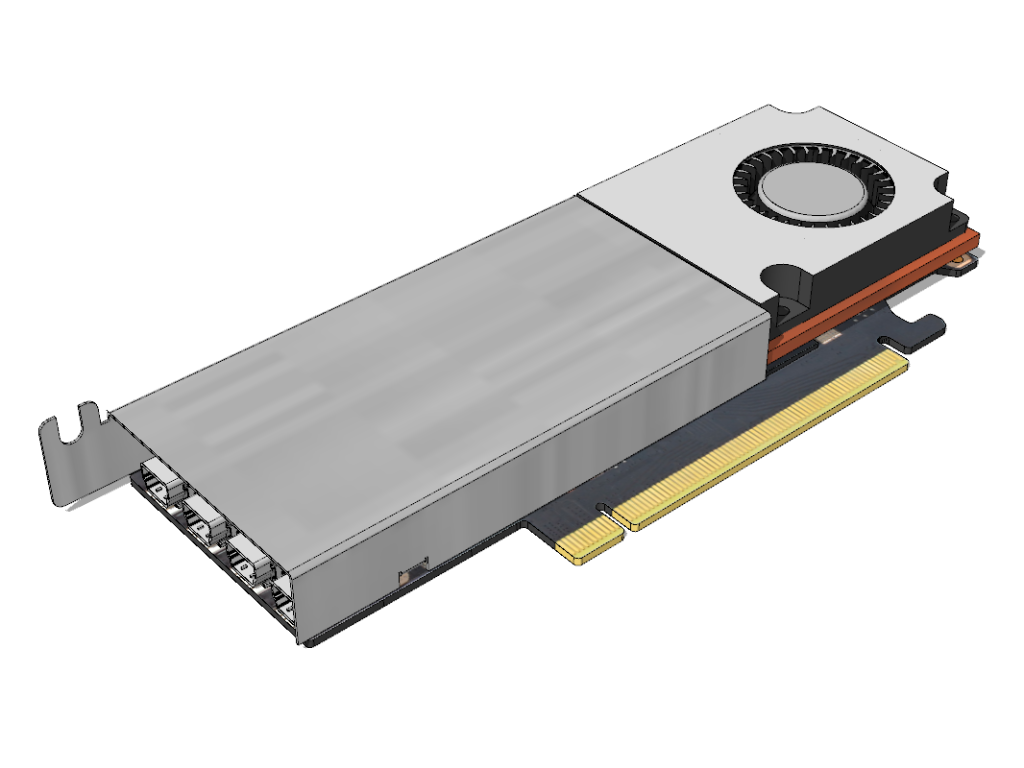
If you are planning a new cluster, then I suggest a boot drive on the slowest PCIe 3.0 x2 slot, your primary storage on the PCIe 4.0 x4 slot and any secondary storage on the PCIe 3.0 x4 slot.
My favorite NVMe drives are: Nextorage NEM-PA and Sabrent Rocket 4 Plus.
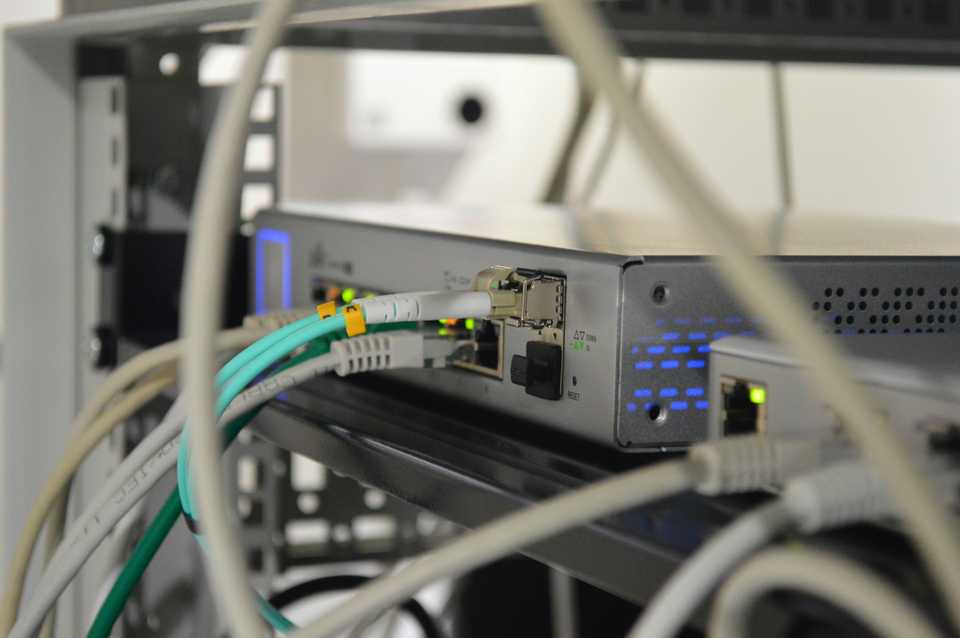
My favorite 10Gbps SFP+ switch is the MikroTik CRS309-1G-8S+.
According to reviews the 13th gen, 32GB model ships with 2x16GB 5200Mhz DDR5 RAM from Crucial. Unofficially, you also have the option use 2x48GB RAM for a total of 96GB RAM.
Affiliate links
Minisforum MS-01:
i9-12900H 32GB RAM 1TB SSD: USD $680 https://amzn.to/4aXVzxL
i9-13900H barebone: USD $710 https://amzn.to/4aUBSH6
i9-13900H 32GB RAM 1TB SSD: USD $832 https://amzn.to/3JjKdZ2
RAM for i5-12450H and i9-12900H (not the i9-13900H)
Crucial 2x16GB DDR5 4800Mhz: USD $90 https://amzn.to/42jO6FU
Crucial 1x32GB DDR5 4800Mhz: USD $90 https://amzn.to/47VeMy2
Crucial 2x32GB DDR5 4800MT/s: USD $170 https://amzn.to/47XGqKS
RAM for i5-12450H, i9-12900H, and i9-13900H
Crucial 1x16GB DDR5 5600 / 5200 / 4800 MT/s: USD $54 https://amzn.to/3vWQSF8
Crucial 2x16GB DDR5 5600 / 5200 / 4800 MT/s: USD $99 https://amzn.to/42i25fm
Crucial 1x32GB DDR5 5600 / 5200 / 4800 MT/s: USD $109 https://amzn.to/3SkpwjR
Crucial 2x32GB DDR5 5600 / 5200 / 4800 MT/s: USD $213 https://amzn.to/4blrFED
Crucial 1x48GB DDR5 5600 / 5200 / 4800 MT/s: USD $166 https://amzn.to/47TbhIl
Crucial 2x48GB DDR5 5600 / 5200 / 4800 MT/s: USD $299 https://amzn.to/3OkWZt6

 techtips.walshaw.me
Leave a comment