
I have always wanted my Lenovo P360 ThinkStation Tower desktop to have the advantages of a USB C port with DisplayPort Alt Mode (DP-Alt Mode). This is standard on laptop USB C ports, but not desktop USB C ports, in my experience.
On the Lenovo P360 Tower, and other Lenovo desktops, this can be achieved in one of four ways. Each option has pros and cons and there isn’t one best option. They are all great ways to solve this. I opted for the Flex IO USB C port (5c50w00880 or 5c50w00887) and outlined as option number four.
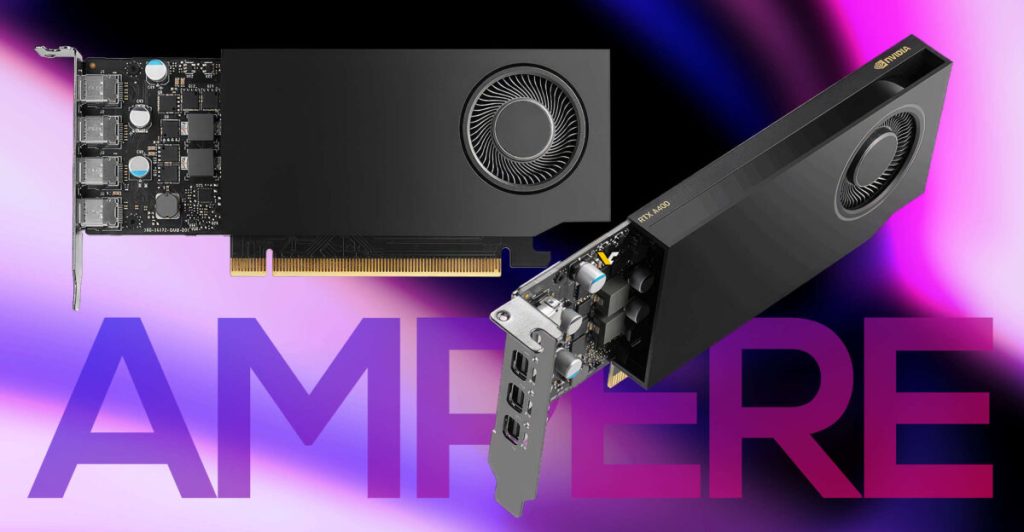
1. dGPU with USB C port, e.g. Nvidia RTX 2080 OC
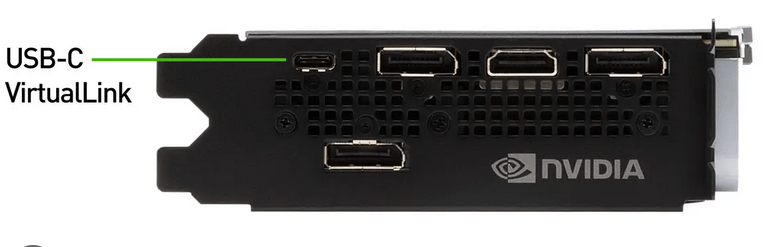
I have used this on a previous build. The ASUS branded card I had won’t fit in the P360 tower, but Lenovo branded likely will. This is a great option, when you have a dGPU, as the dGPU is powering the display. It can also be used for USB 3 on a USB hub, with downstream DisplayPort, HDMI, or VGA connected and being driven by the dGPU. If you can spare the slot space and can find a card that will fit in the P360, it’s a great option.
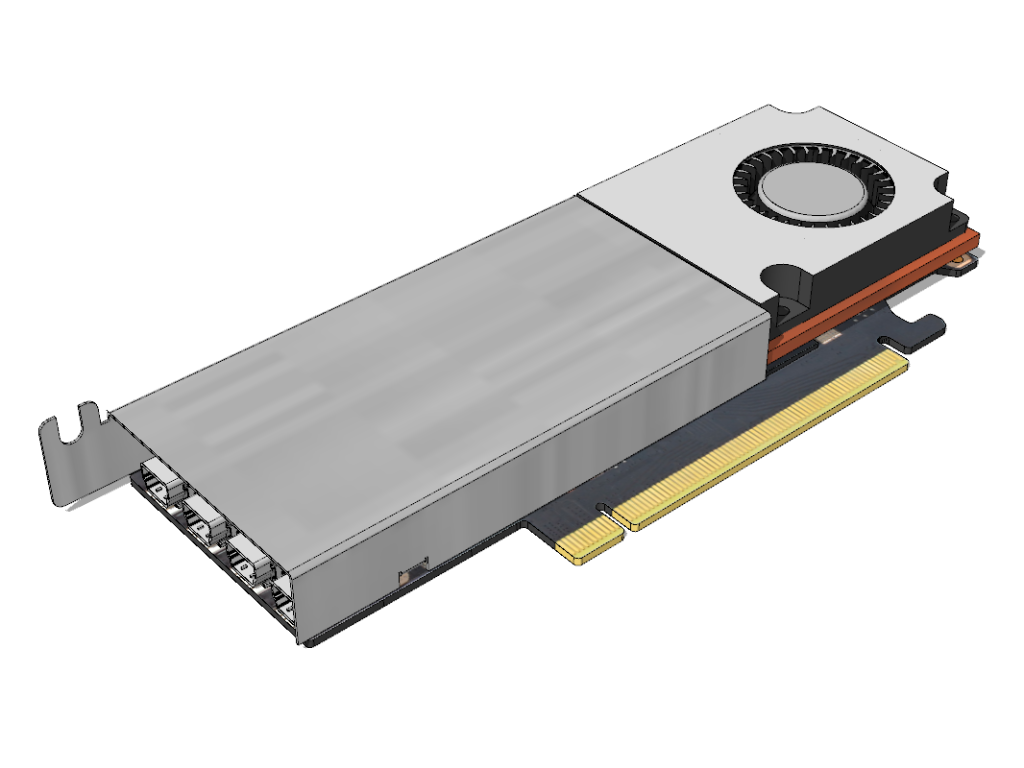
2. Lenovo Thunderbolt 3 card (01AJ968) with internal DisplayPort input from Flex IO connector or externally via DisplayPort jumper cable or Thunderbolt 4 card (4XF1L53431 newer systems only)
TB3 card

TB4 card (newer systems only)
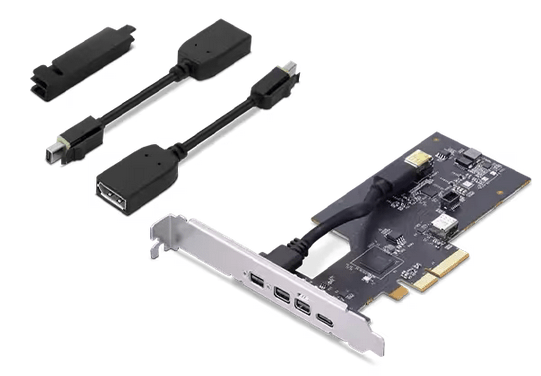
I have not personally used these cards and there may be some complexities related to BIOS settings that effect if the system will support this hardware. If you are willing to use a PCIe slot for this card and need 40Gbps TB3/TB4 type USB C port, this is a good option. This will require you use either: 1) the Flex IO port to internally connect a DisplayPort input to the card or 2) connect a short DisplayPort cable from the motherboard DisplayPort output to the DisplayPort input on the external riser to this card. This is a great option, when you do not have a dGPU, as the iGPU is powering the display. It can also be used for USB 3.2 gen 2 on a USB hub, with downstream DisplayPort, HDMI, or VGA connected and being driven by the iGPU. In addition a TB3 port can be used with eGPU. In the eGPU scenario, you would not utilize DP-alt mode from the iGPU.
3-a. Wacom Link Plus $120 USD at time of this writing


I have not tested this equipment and some report it gets slightly hot. This handy little gadget from Wacom has display inputs support for DisplayPort or HDMI, requires a USB 2 connection from the host computer for data and a power source wall charger. There is a chance a host USB C port can be used for power + data also, but I am speculating. Once connected, it will then output a power+data USB C port with DP Alt-Mode to the connected display. If you are inputting video signal from iGPU, dGPU or eGPU, this option has you covered.
3-b. Lemorele HDMI to USB C Adapter $36 USD at time of this writing

I have not tested this equipment. This handy little gadget from Lemorele has display input support for HDMI only, requires a USB connection from the host computer for data and power. The included USB cable should not be used as is wired for power only. Simply use a standard data USB A to USB C cable and it will then output a power+data USB C port with DP Alt-Mode to the connected display. If you are inputting video signal from iGPU, dGPU or eGPU, this option has you covered.
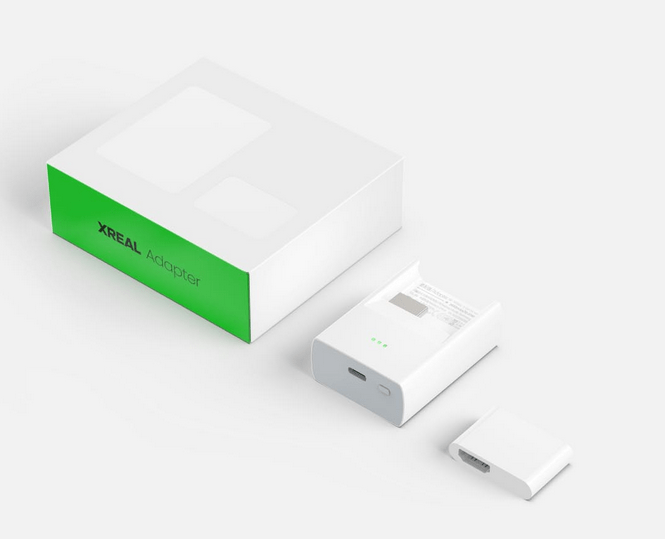
Kind of a 3-b option is the HDMI XReal Adapter but comes with limitation of battery power only, no feature to add a fixed power source and, no USB data connection to the host device.
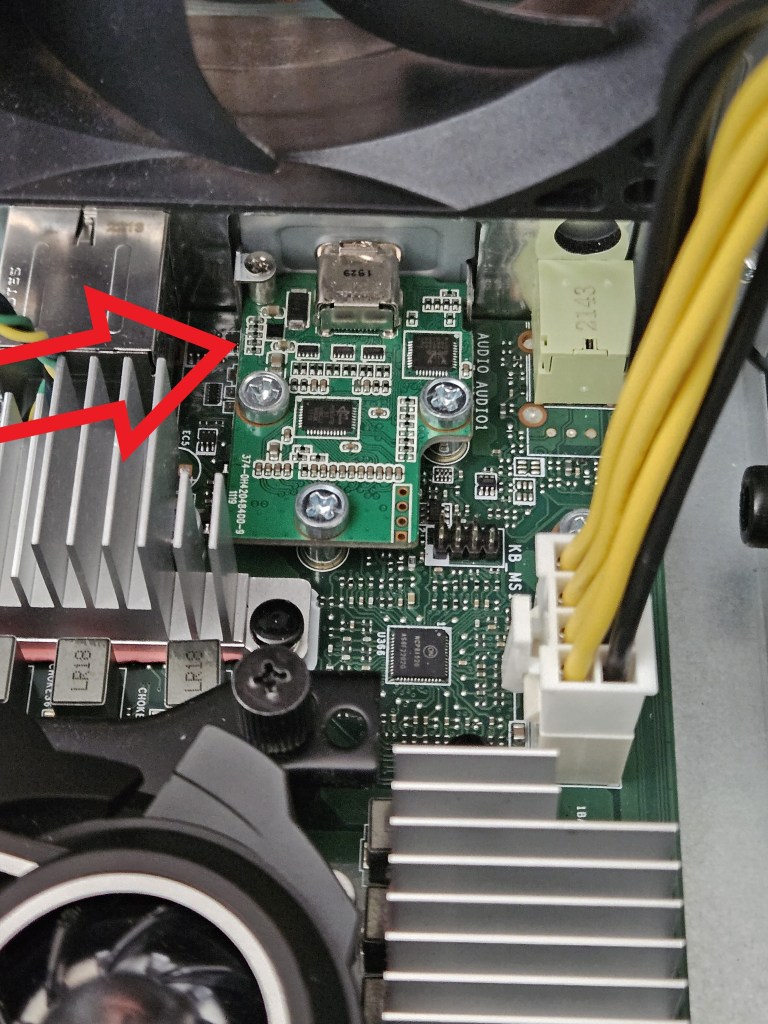
4. Flex IO port USB C port (5c50w00880 or 5c50w00887)
(Left image DisplayPort)
(Right image USB-C 3.2 Gen 1 with DisplayPort function )

This is the main reason for this post, and the above options are primers for the four ways I considered adding a DP-Alt mode port on the P360 Tower.
Per spec Flex IO ports come in four flavors (or five if you count the TB3 flex connector and TB4 on supported systems):
DisplayPort, HDMI, VGA, USB C.
The P360 Tower I purchased shipped with DisplayPort Flex IO port. You’ll need to shop on third party sites to find this. I was able to find on Aliexpress and you’ll also see them occasionally on eBay. My cost was approx $50 USD. It’s a simple swap. This is a great option for relatively low cost expansion of adding an extra USB C gen 3.2 gen 1 port with full DP-Alt mode from the iGPU and data if needed. Caution: For 4K@60Hz if you expect to use USB data too, you will need a DP 1.4 iGPU and monitor/glasses device, which is also DSC compliant. This is in order to ensure 2 lanes are left for USB data. Without this spec being met, 4K@60Hz will use all 4 lanes and leave none for USB data. Tests I have performed with 4 lanes in use for video will force USB 2 over signalling (yes, that a thing too) and are horrifically bad for the USB 2 functions.



 techtips.walshaw.me
Leave a comment